GENERATIONS — Eight Generation Edition
Bring your family members, photographs, relationships, memories and stories together in one private, organized family-history collection.
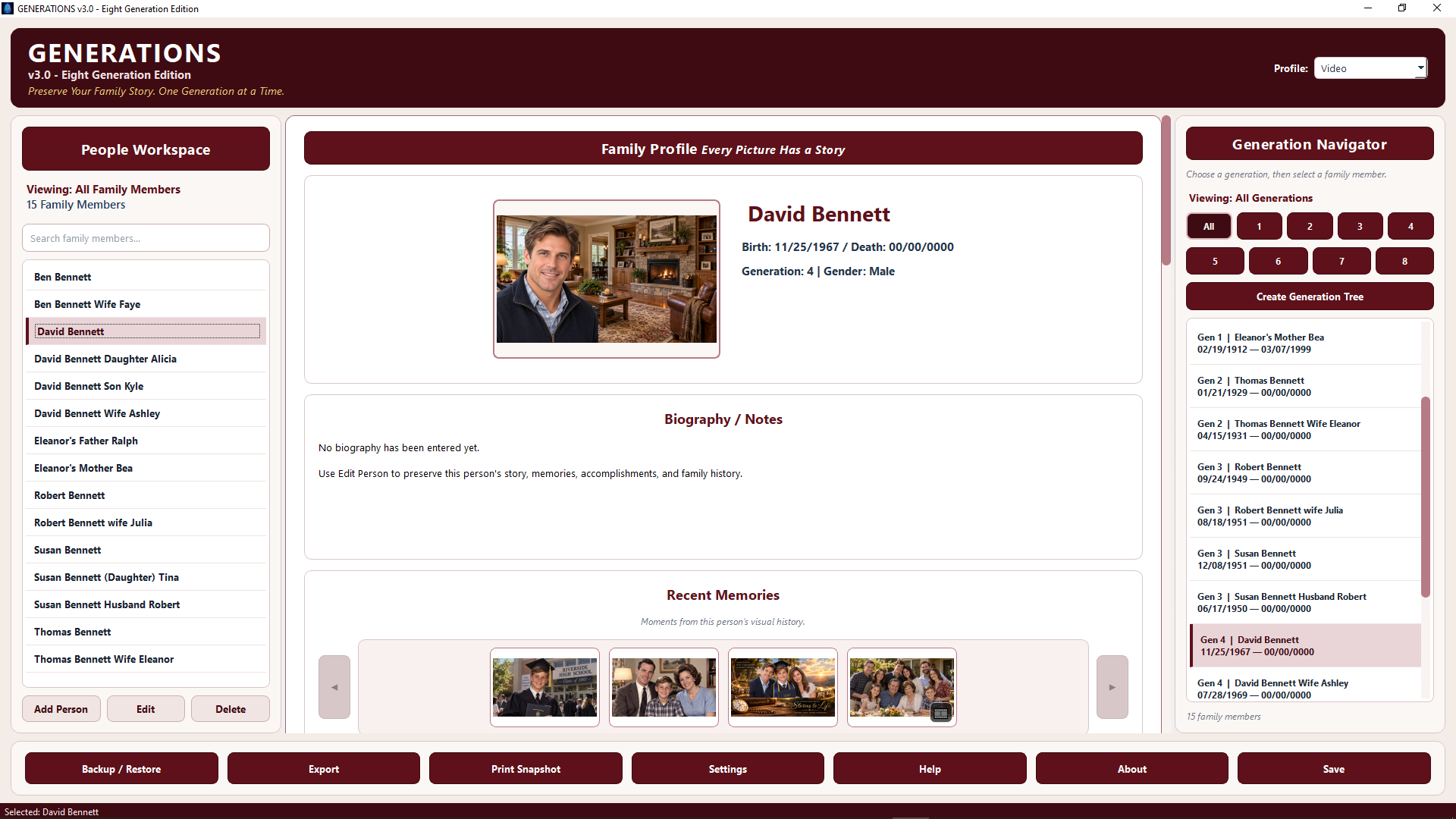
Family History Is More Than Names and Dates
Every family has photographs, relationships, stories and memories deserving preservation alongside the family tree. GENERATIONS brings those pieces together in one desktop environment while keeping your collection on your computer.
Eight Generations
Organize and explore family members across as many as eight generations.
People & Relationships
Build individual profiles and connect parents, spouses and children.
Memories & Media
Preserve photographs, biographies, Living Memories and presentations.
Every Family Story Begins With a Person
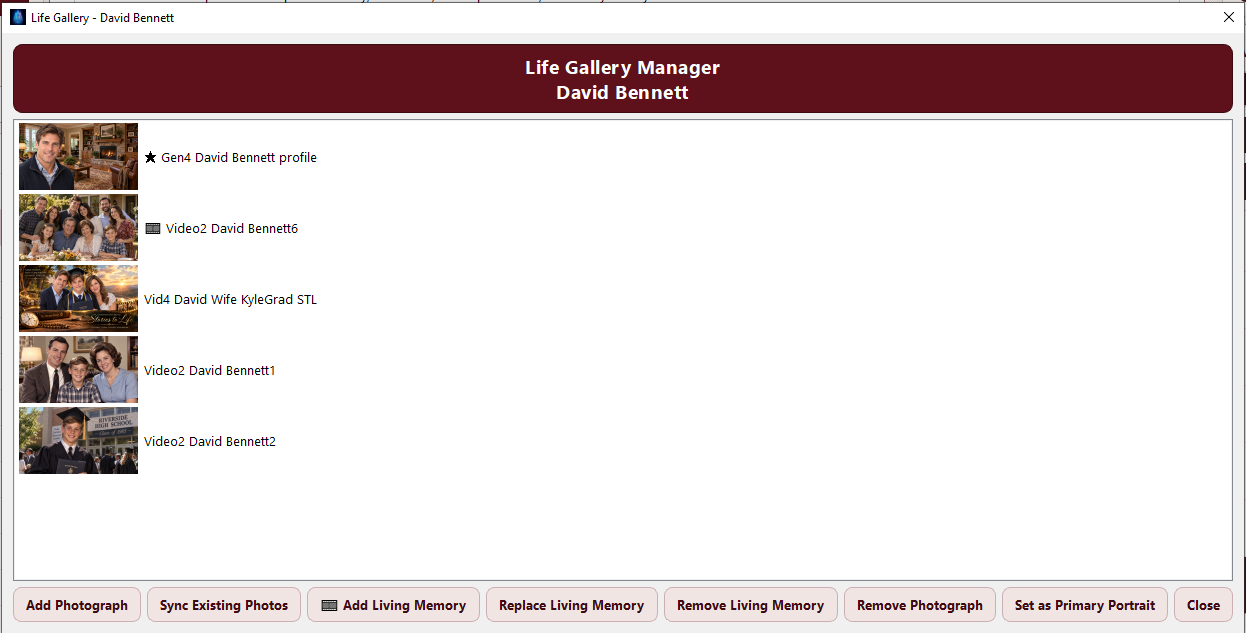
Build Your Family, One Person at a Time
Find, add and manage the people in your collection from a central workspace. Each family member becomes the starting point for a richer individual history.
Give Every Family Member a Story
Bring together personal information, photographs, biography, relationships and recent memories around the individual—not merely a row in a database.
Explore Your Family Across Eight Generations
Move between the complete family and individual generations while relationships help the family structure take shape.
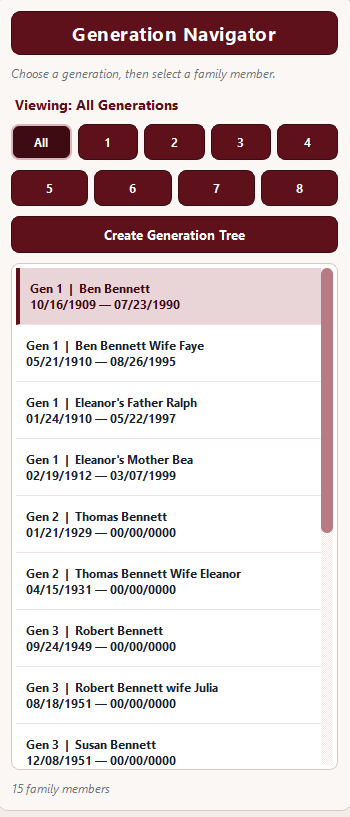
Move Through the Generations
Choose All or focus on Generations 1 through 8. Keep the selected family member in context while exploring the people around them.
See Your Family Take Shape
Turn the people and relationships in your collection into a visual family tree centered on the generation you choose.
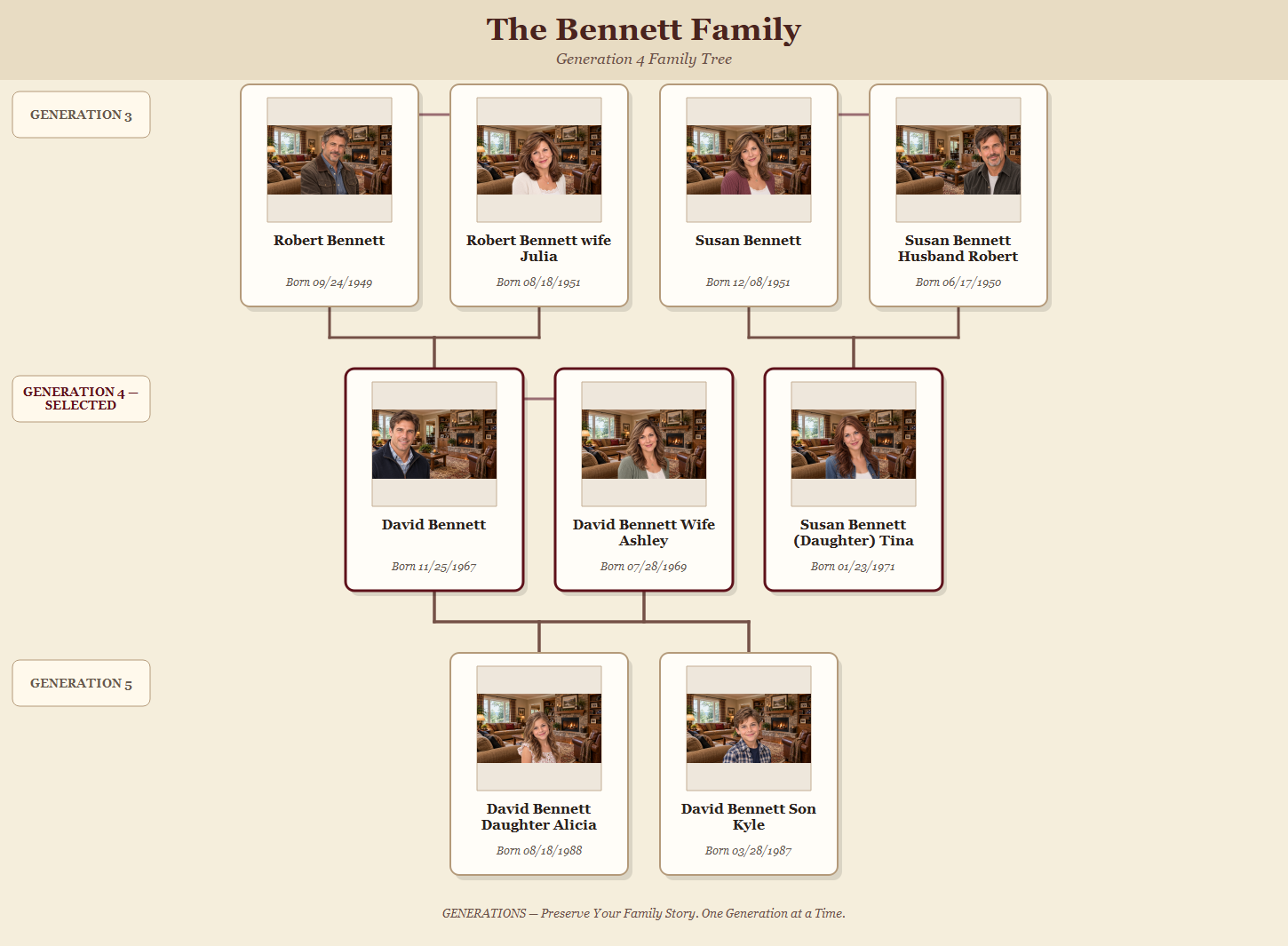
A family tree shows how people are connected. Their memories tell you who they were.
Preserve the Life Behind the Name
Family history becomes more personal when photographs, written stories and voices can remain connected to the people who lived them.
Written Stories
Use biographies and notes to preserve experiences, accomplishments and family stories.
Photographs
Build a visual collection around the individual and the moments that shaped a life.
Living Memories
Preserve a voice, recollection or personal story alongside the rest of the family history.
Turn Family Memories Into a Presentation
Bring selected photographs, captions, gentle motion, music and Living Memory audio together into a presentation built around a person's story.
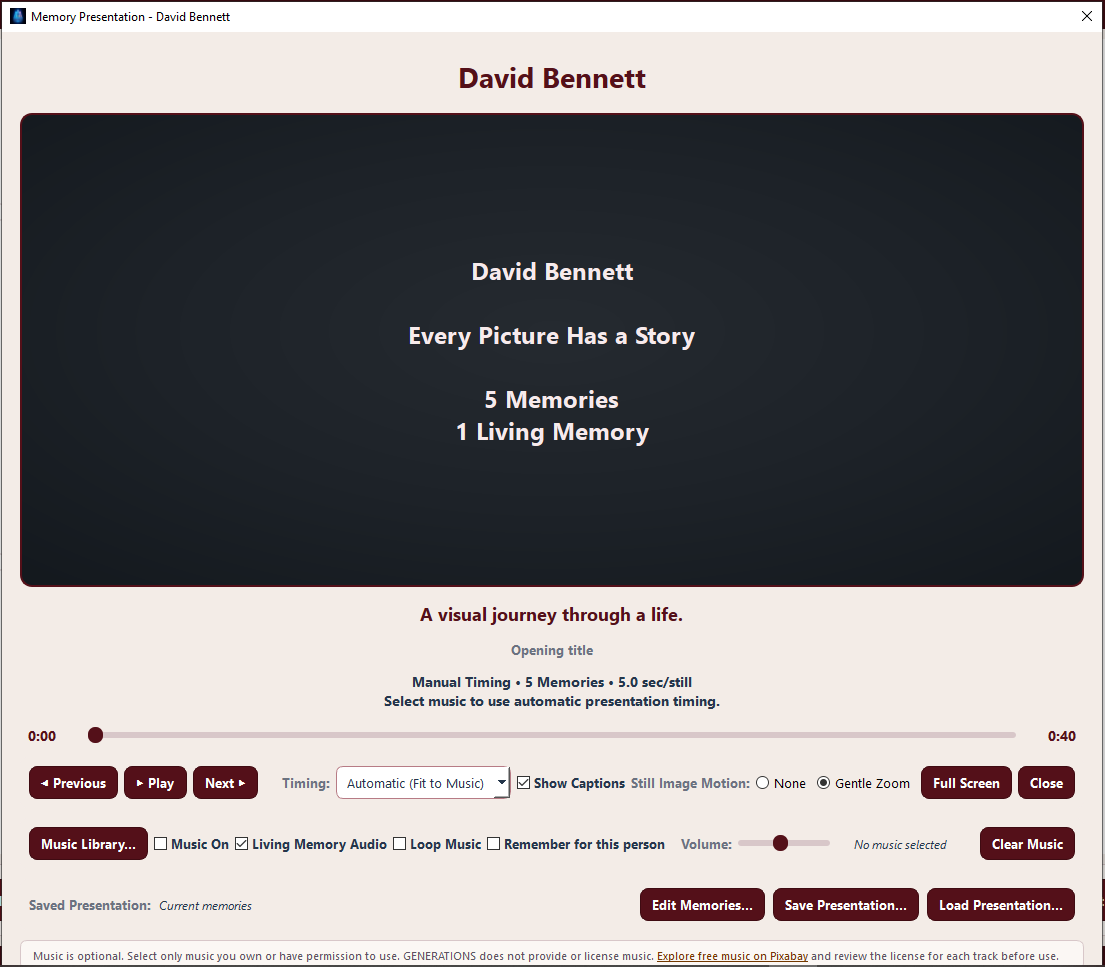
Don't Just Store the Memories. Experience Them Again.
Biography preserves the story. Life Gallery preserves the photographs. Living Memories preserve the voice. Memory Presentations bring them together.
See the Family Around Each Person
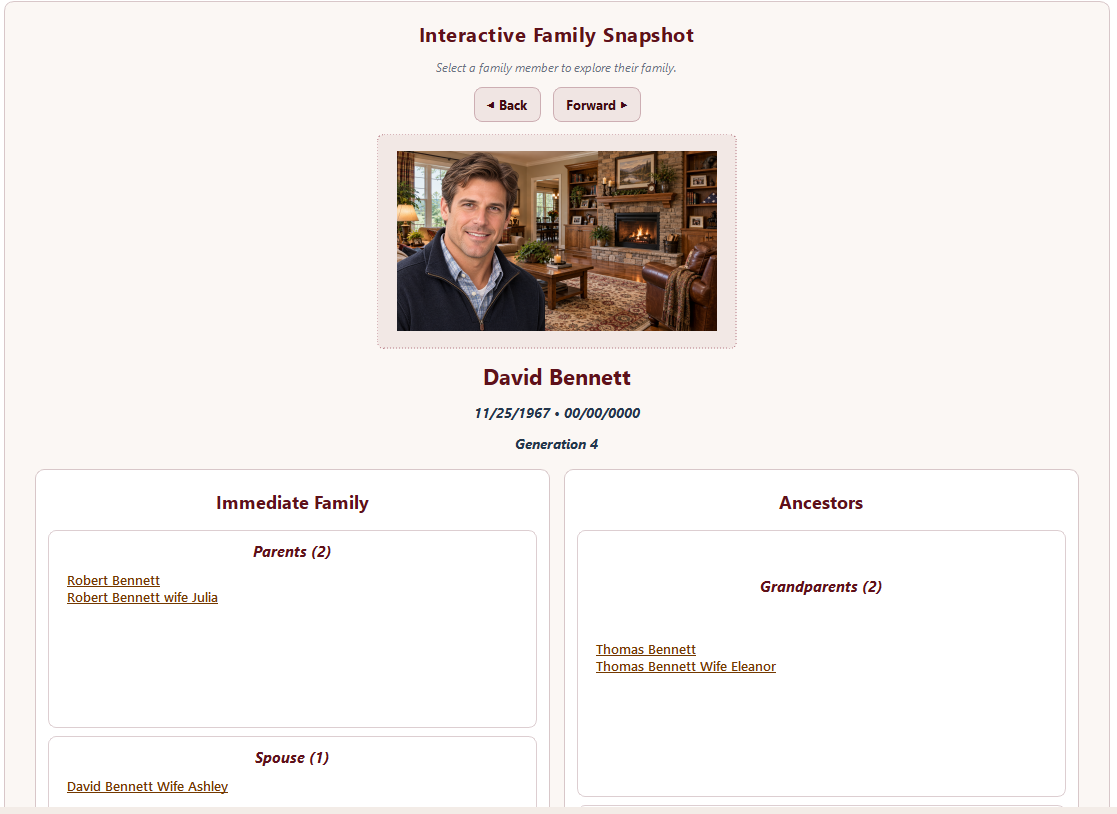
Start With One Person. Explore the Family Around Them.
Keep the selected family member at the center while exploring immediate family and ancestors.
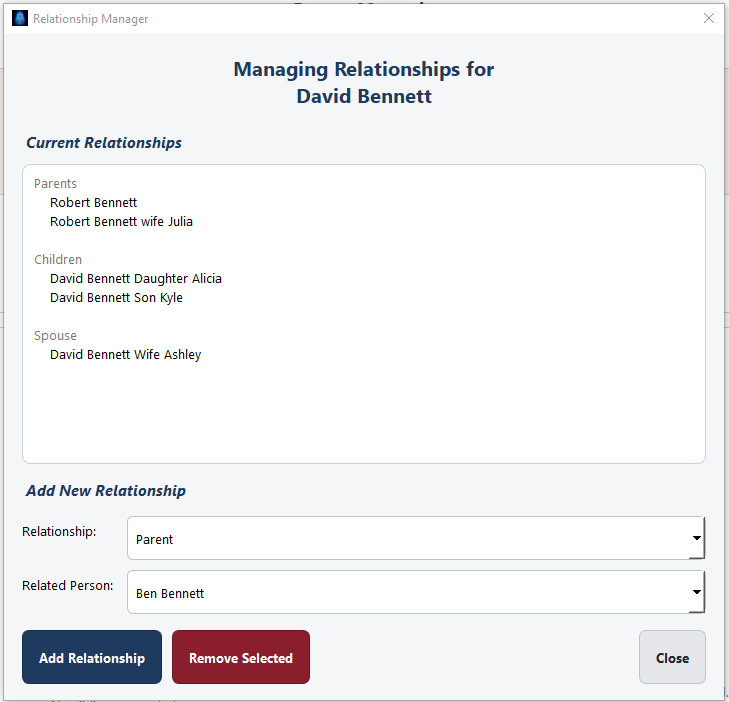
Parents, spouses and children established in the Relationship Manager power the family structure used throughout GENERATIONS.
Build the Connections Behind the Family
Create and manage the relationships that connect profiles to the Navigator, Family Snapshot and Generation Tree.
Your Family History Stays With You
GENERATIONS is designed around a locally stored family collection rather than requiring your family history to live in an online genealogy database.
Local Storage
Your family profiles and media remain stored on your computer.
Works Offline
Normal use does not require an active Internet or Wi-Fi connection after activation.
Backup & Restore
Choose where your backup is saved and browse to it when restoration is needed.
Is GENERATIONS Right for Your Computer?
Linux version planned.
See GENERATIONS in Action
Explore the ideas behind GENERATIONS—from preserving photographs and family stories to building and exploring generations of family history.
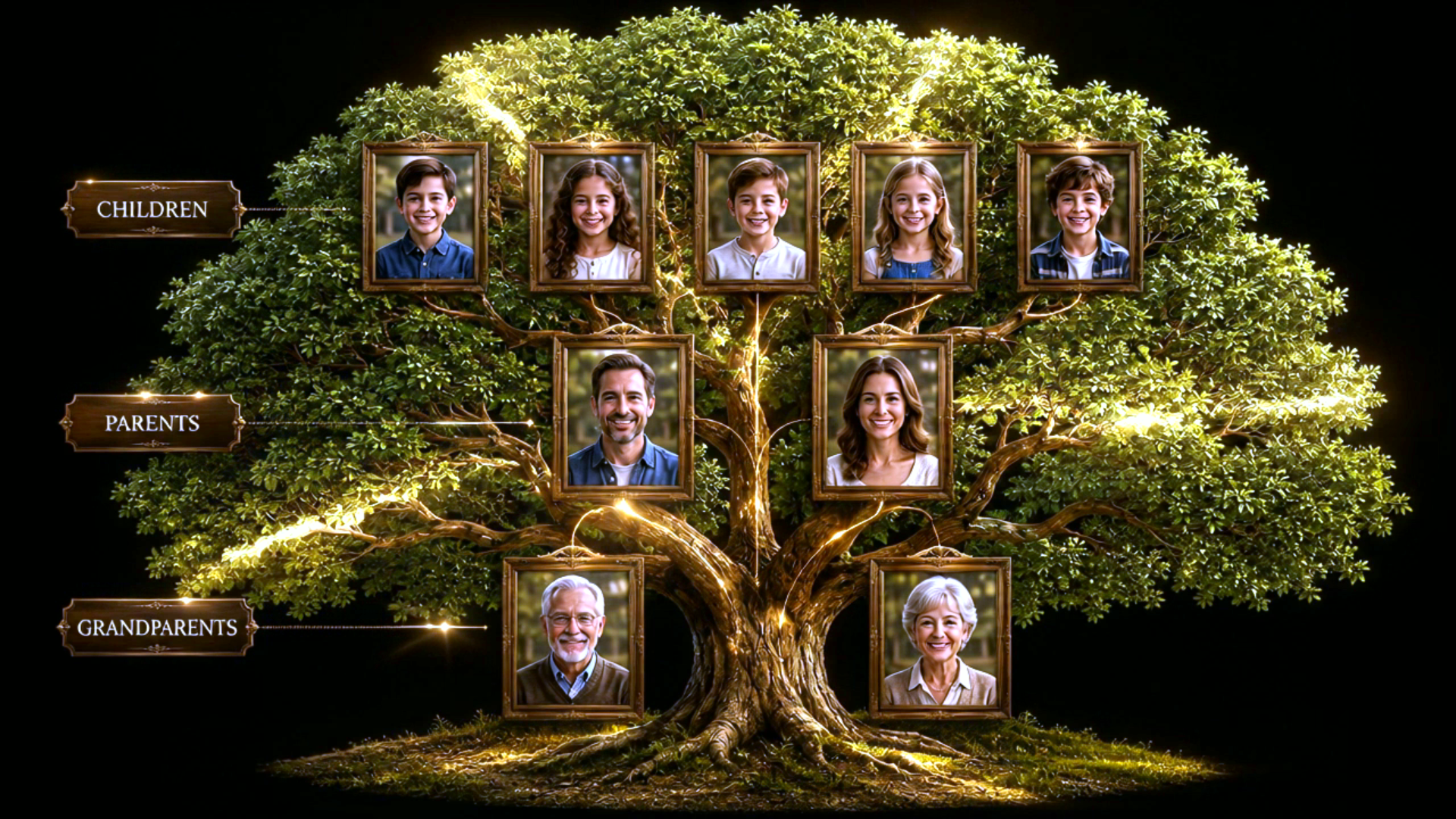
GENERATIONS — Official Introduction
A quick introduction to GENERATIONS — Eight Generation Edition.

The Family Photographs
Why Build a Family History?
Building an Eight-Generation Family History
A Family Story Through Generations
Preserve Your Family Story
Start Preserving Your Family Story
GENERATIONS — Eight Generation Edition
Prototype only — secure checkout, licensing and download delivery are not connected yet.
What Happens After You Purchase?
Complete secure checkout.
Receive license information and the Windows installer.
Activate GENERATIONS on your computer.
Use GENERATIONS normally without an Internet connection.
Help When You Need It
Getting Started • Backup & Restore • Licensing & Activation • Updates & Downloads • FAQ • Contact Support